How to Protect End Users Against Malvertising
Malvertising hides in ads on trusted sites and top search results, making it a real danger to SMBs whose staff browse on personal laptops with no IT team watching. This guide shows UAE small businesses how to spot the signs, then gives five layered defences: DNS and web filtering, ad blockers, patching, safe downloads, and endpoint protection.
Malvertising is malicious advertising: online ads laced with code that pushes people toward fake downloads and malware, or quietly installs adware on the device. For a small business, that is sharper than it sounds. Your team uses the same browsers and search engines as everyone else, but without the defences a large company takes for granted, often on personal laptops with no IT team watching. One employee downloading what looks like a routine app can hand an attacker the device that holds your customer data and logins.
It is also hard to sidestep, appearing on mainstream sites and at the very top of ordinary search results rather than in shady corners of the web. Recently, the FBI has warned that criminals buy search ads impersonating well-known brands to send people to malicious sites that install ransomware or steal logins.
Telling staff to avoid dodgy websites does not go far enough on its own. It helps to know the signs of malvertising, and to back that up with a few defensive layers that catch what people miss.
How to Identify Malvertising
Malvertising is built to blend in, so the signs are subtle. A few things should make anyone pause before they click or download:
- A search result or ad where the URL is slightly off, with a misspelling or an odd domain ending
- A software download that carries the right name but comes from a site you do not recognise
- A sudden pop-up or redirect warning of a virus, or pushing an urgent update
- A familiar-looking page whose address does not match the brand's real website
None of these is proof on its own, but together they are the tells worth teaching your team to notice. Spotting every one is impossible, though, which is why the layers below matter.
How to Protect Your End Users
The five layers below work best together. None is enough on its own, and each one is cheap to start.
1. Filter with DNS and web filtering
The first layer stops a bad domain from ever loading. Protective DNS, sometimes called DNS filtering, checks each web request and blocks connections to domains known for hosting malware or running redirects, and web filtering does the same job at the firewall or on the device. Because it acts before the browser fetches anything, it shuts down a lot of attacks the user would never even notice.
- Many business firewalls and endpoint tools can switch this on without new software
This catches most known campaigns before anyone even sees an ad.
2. Block the ads with an ad blocker
Fewer ads mean fewer chances for a malicious one to load. An ad blocker removes the main delivery route, and standardising on one or two approved, up-to-date browsers keeps them easier to protect.
- A reputable ad blocker cuts out most malvertising before it renders
- Choose vetted extensions and manage them centrally, since browser add-ons carry their own risks
For a remote UAE team on personal laptops, knowing how to block ads on every device is one of the cheapest wins available, and it speeds up browsing as a bonus.
3. Keep browsers and plugins patched
Many malvertising attacks work by exploiting a flaw in an out-of-date browser or plugin to install malware without a single click, an approach known as a drive-by download. Patching closes that door, and it is one of the simplest parts of browser security.
- Turn on automatic updates for browsers and their extensions
- Retire old plugins and software that no longer receive security fixes
A patched browser turns a drive-by attack into a dead end.
4. Download software from the source, not the ad
This is the habit that stops the most common trap. When someone needs an app, they should go straight to the vendor's own site rather than clicking the top result in a search, since that top result is often a paid advert.
- The FBI's advice is to type the known web address or use a bookmark instead of an advert
- Bookmark the sites your team downloads from most, so no one has to search for them
A minute of care here avoids a malware download dressed up as the real thing.
5. Back it with endpoint protection and monitoring
Layers fail sometimes, so the last one assumes something got through. Modern endpoint protection watches for the malware a redirect or download tries to run, and someone watching the alerts can step in before it spreads.
- Endpoint detection and response flags and contains a malicious payload, and can stop the process mid-attack
- Round-the-clock monitoring catches a compromise that slips past the earlier layers
This is the safety net under everything else. LumoraX provides exactly this layer for UAE SMBs, pairing Sophos endpoint protection and XDR with 24/7 monitoring, so a threat that reaches a device is contained quickly rather than left to spread.
When the Right Cybersecurity Provider Helps
Malvertising counts on your team trusting what they see, and the right layers are what let them keep doing so safely. The snag for a small team is running all of that at once, and keeping it running, without a dedicated IT or security function. That is where a good cybersecurity provider helps.
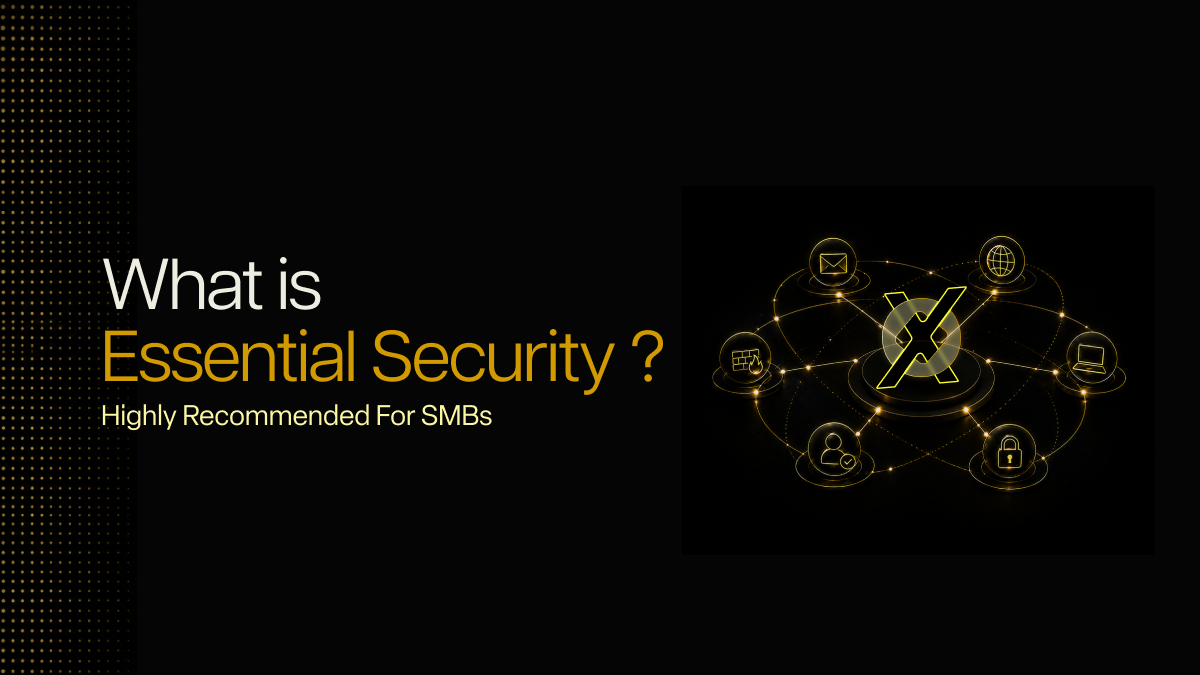
Lumora builds these layers into its managed LumoraX solution, adding Fortinet web filtering, patch and health checks, staff awareness training, and 24/7 monitoring through its MSSP Fence alongside a variety of essential security protections, including endpoint security.
If you are not sure which layers you have, its Essential Security Review maps your gaps against a NIST CSF 2.0 baseline in about 72 hours.


.avif)